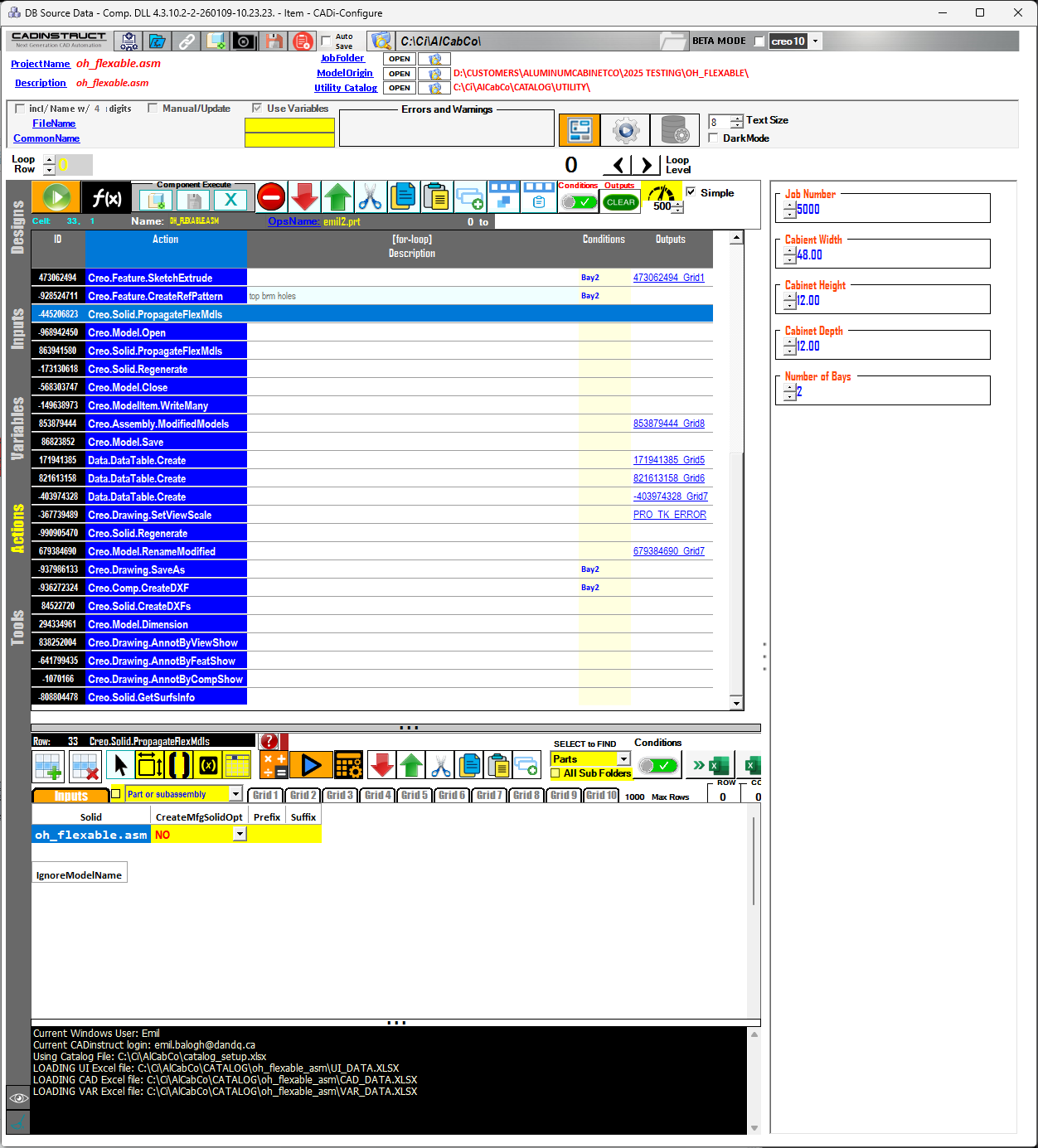
.NET based app that allows admin users the ability to create a sequence of CAD instructions from inputs and formulas allowing other designers the ability to execute those instructions and system operations on targeted models using simple CAD selections and dynamic table entries producing deliverables storing all logic in Excel.
Explore any Creo function from the list to watch its Ci training video on YouTube. If you don’t see the function you need, Ci can create one for you.
Application
Description
Price*
Ci- CONFIGURE
.NET-based app for CAD instruction sequencing, designer execution, and Excel-based logic storage.
Request a Quote
*All prices are listed in USD.
See our other Ci .net powered applications to explore more tools that streamline design, automation, and production workflows.
Ci-OPTIONSLIVE
.NET based app that automates the creation of a configurator for complex products using excel sheets with hundreds of options and infinite combinations of rules to generate cost rollups and other complex calculations. View details »
Ci-CREO RIBBON TOOLS
Interactive CADi Super Functions: a customizable toolkit of advanced functions designed to streamline CAD workflows and enhance user-driven automation. View details »
Ci-PARTS CLEANSER
A .NET-based application that performs automated checks and repetitive operations across multiple CAD models in sequence—enabling data cleansing and repairing broken model migrations within production databases. View details »
Ci-AUTOBLOCK
Connect production data to 2D AutoCAD and automate the generation of DWG files with speed and precision. View details »
Request to speak with a Ci Specialist and get personalized guidance tailored to your workflow. Our team is here to help you streamline your Creo experience and unlock the full power of CADinstruct.